Wiserobe
Try it free
AI virtual try-on

See the wedding guest dress on you before you RSVP

Upload one photo, drop in any dress, and know if it works for the venue and dress code in about 30 seconds.

Download on theApp Store Get it onGoogle Play

Free to start · No card or sign-up required

Your everyday photo
Before
AI virtual try-on look created with Wiserobe
After
Ready in about 30 seconds
Powered by Google Gemini AI
Realistic results in ~30 seconds Works with any store's outfit No sign-up needed to start

Three steps to your new look

No fitting room, no returns. Just you, in the outfit, in seconds.

01

Add your photo

One clear, full-length photo is all it takes. Snap a new one or pick from your gallery.

02

Pick an outfit

Browse curated looks, or upload any outfit — a store listing, a screenshot, a friend's fit.

03

AI shows it on you

In about 30 seconds you see the outfit on your body — realistic fit, drape, and lighting.

Real people, real transformations

Every look below started as an ordinary photo.

Your everyday photo
AI virtual try-on look created with Wiserobe
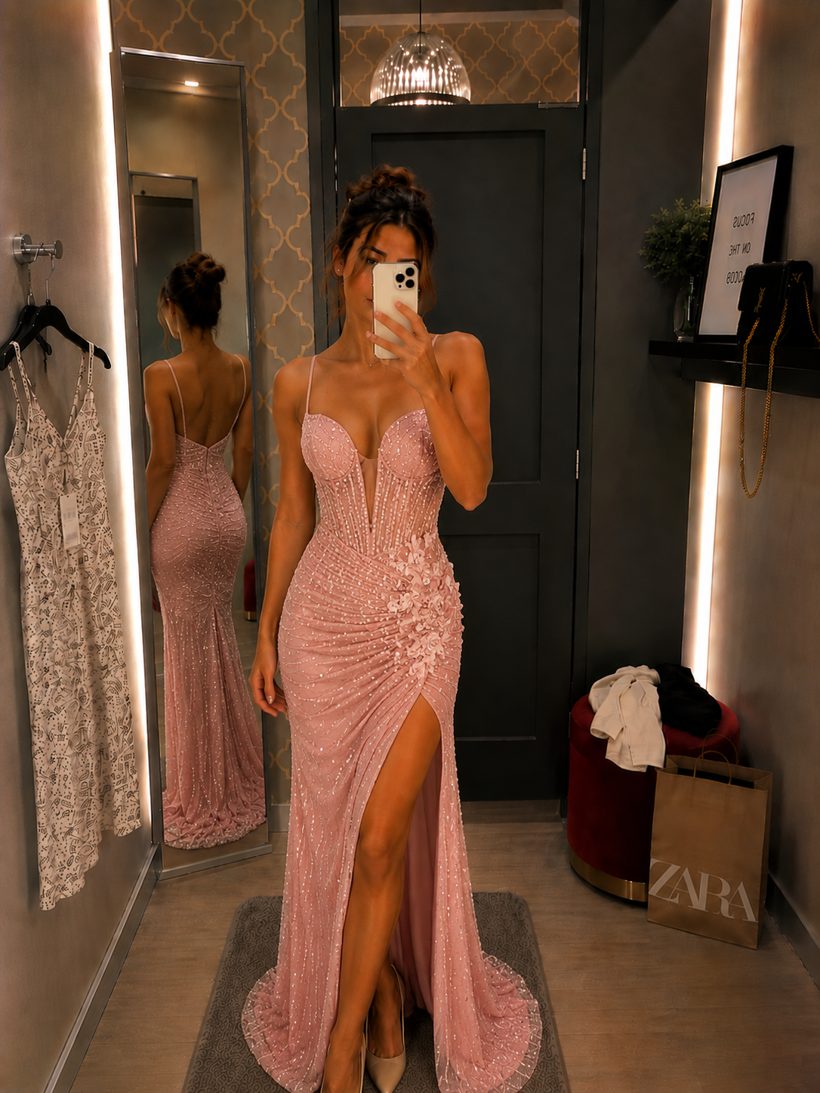
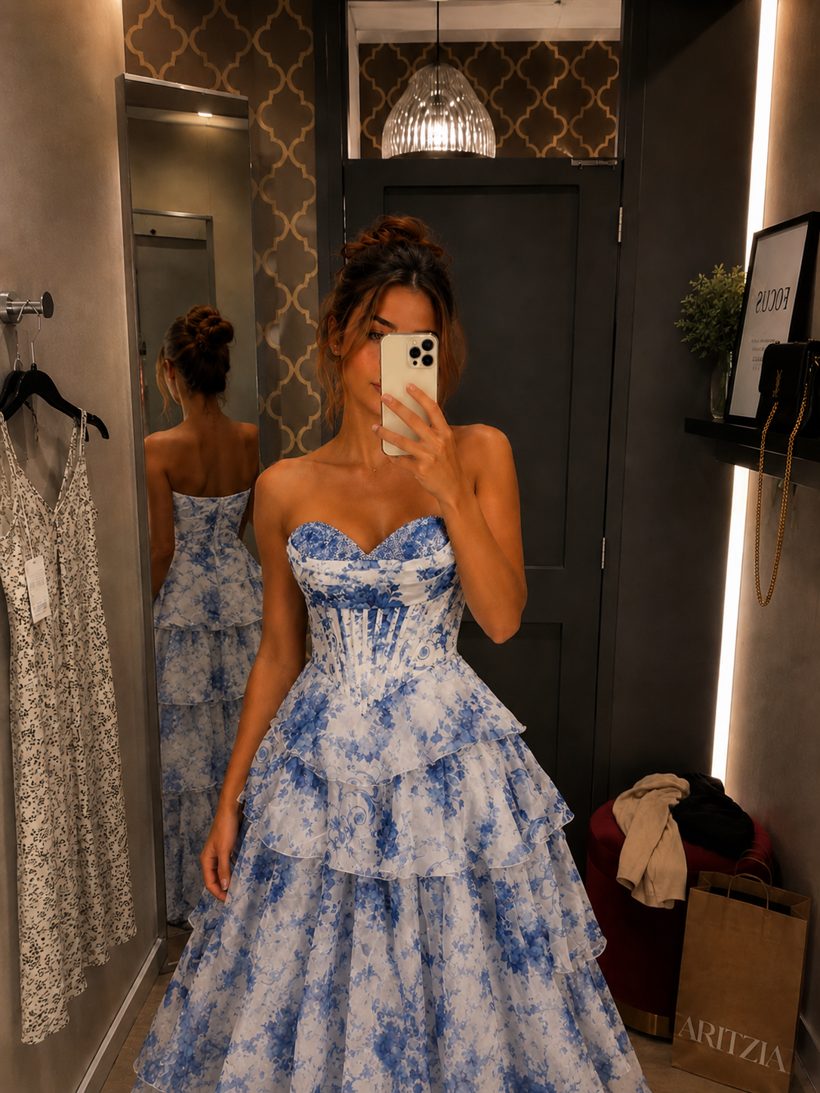
Wedding guest dress AI Try-On
Your everyday photo
AI virtual try-on look created with Wiserobe
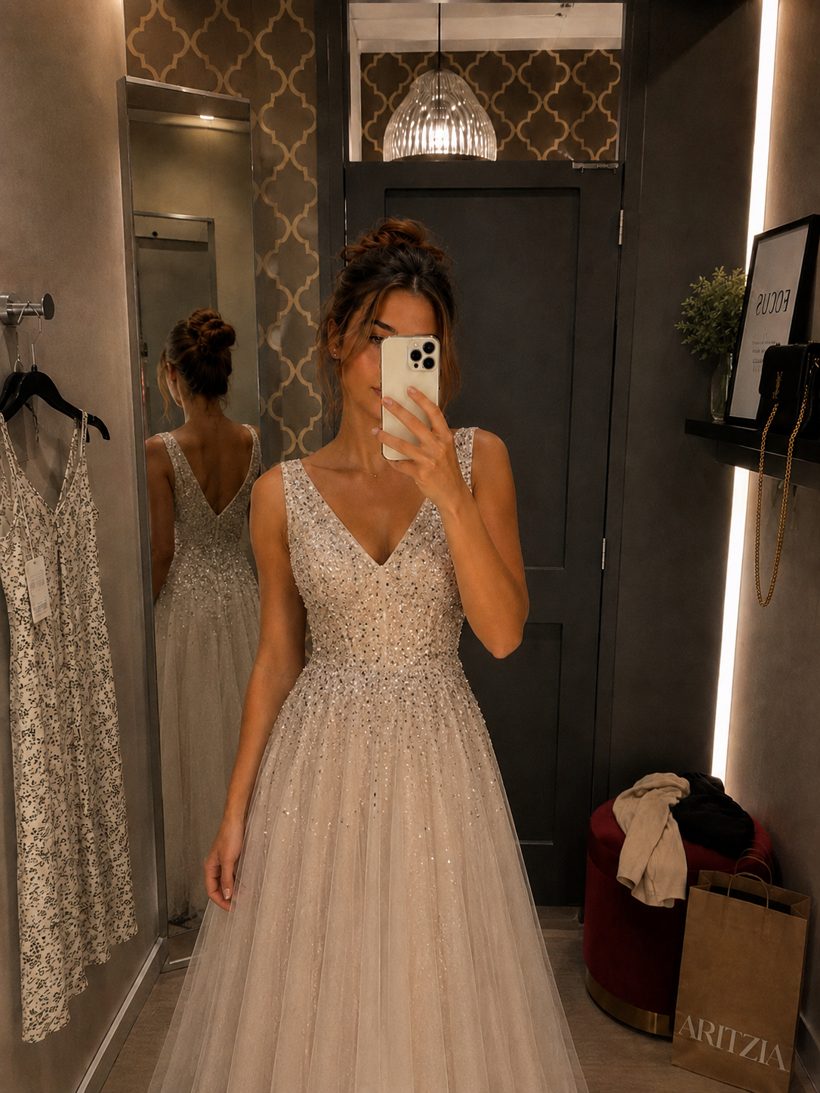
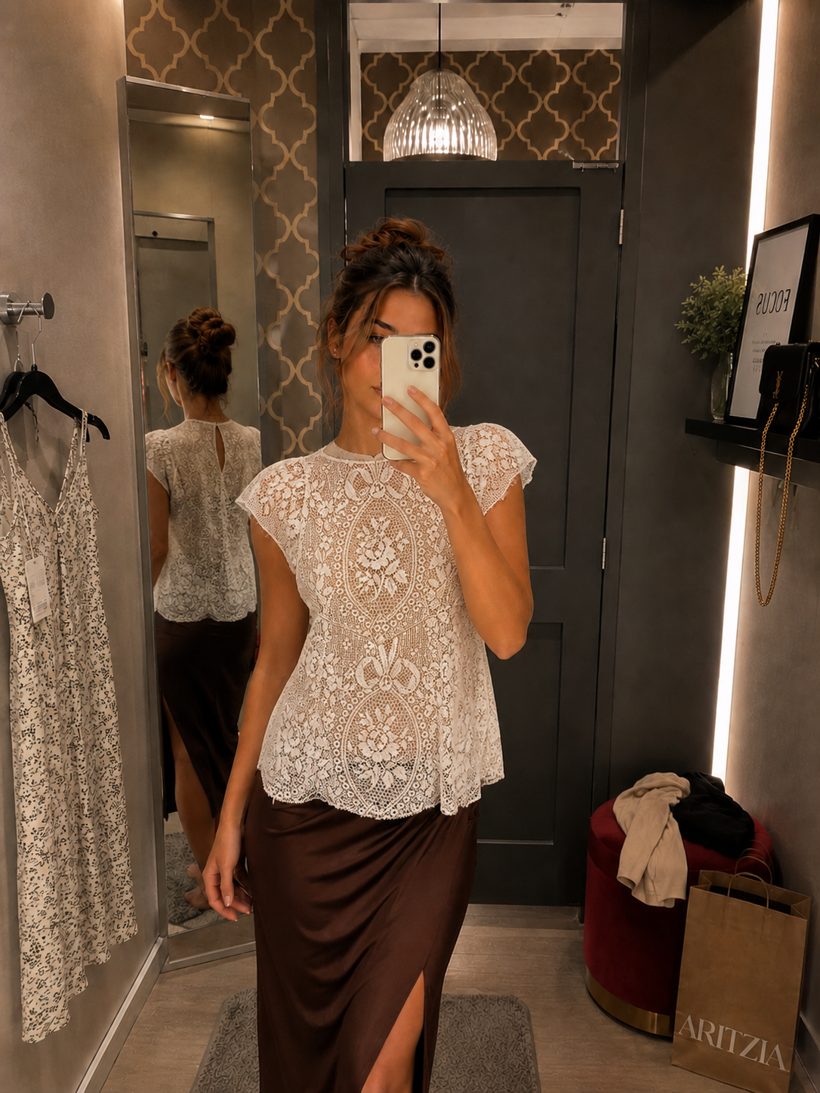
Party gown AI Try-On
Your everyday photo
AI virtual try-on look created with Wiserobe
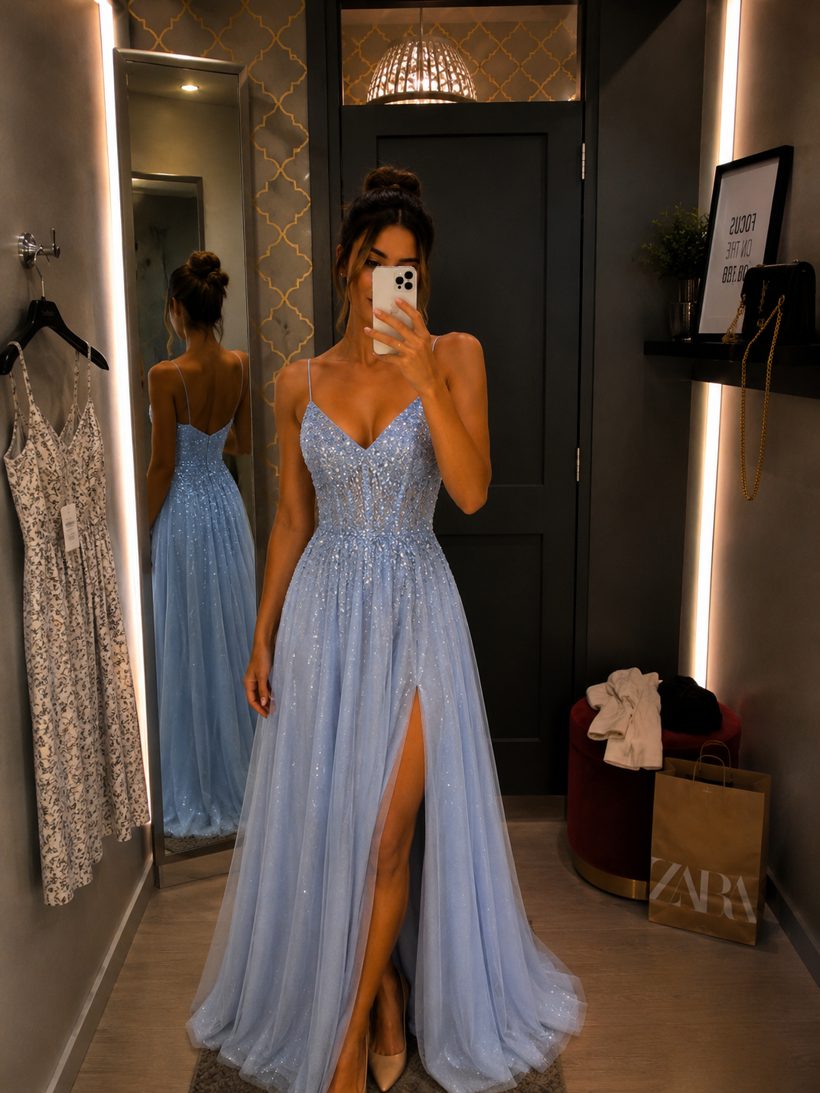
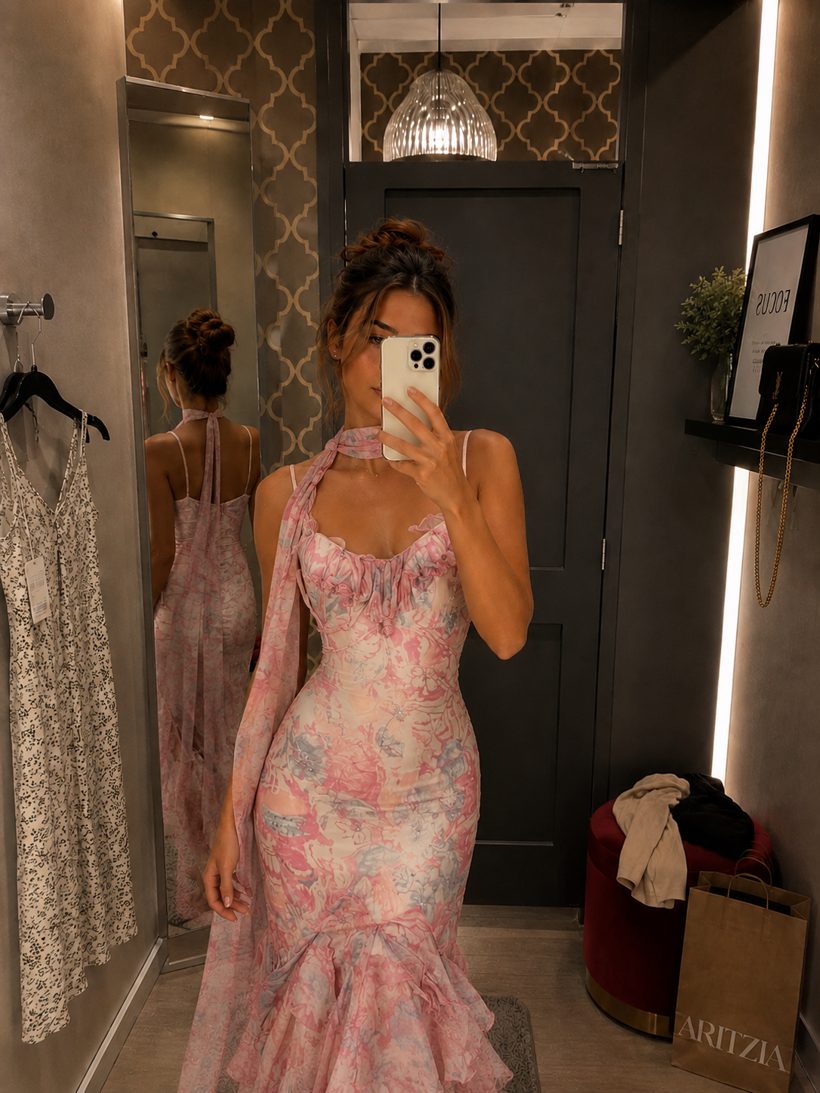
Prom night AI Try-On

Your wardrobe, unlimited

Everything you need to decide with confidence before you buy.

AI Try-On

See any outfit on your own photo with realistic fit and lighting.

AI Restyle

Remix a look — swap colors, styles, and vibes with one tap.

My Looks

Save every try-on, compare side by side, and share with friends.

Works with any outfit

Dresses, suits, sarees, streetwear — from any store or screenshot.

Free to start

Try your first looks on the house. Upgrade only when you're hooked.

Starter

Free

Perfect for your first try-ons

  • Free try-ons to start
  • All outfit categories
  • No card required
Download free

Credit packs

From $1.99/ 15 credits

Pay as you go, credits never expire

  • Packs of 15 to 220 credits
  • AI Restyle included
  • Bigger packs, better rates
Get credits
Most popular

Wiserobe Pro

$9.99/ month

For people who try everything on

  • 100 credits every month
  • HD downloads & sharing
  • Priority processing
  • New features first
Go Pro

Virtual try-on for wedding guest dresses that actually shows your fit

Nobody wants to over-order five dresses and return four. With virtual try-on for wedding guest dresses, you upload a single photo of yourself, add any dress image from a store page or a screenshot, and Wiserobe's AI renders it on your body in about 30 seconds. You see the real drape, length, and color against your skin tone before a card ever comes out.

Wedding dress codes are their own puzzle. Black-tie, garden formal, coastal, cocktail. Because you can try dress after dress on the same photo, comparing a floor-length gown against a midi becomes a two-minute exercise instead of a shipping saga. Save every version to My Looks, line them up side by side, and pick the one that fits the invitation and the season.

You also skip the guesswork on colors that photograph well and shades too close to bridal white. Restyle lets you remix a dress into deeper tones to see what suits the setting. Start free with no card required, and only spend a credit when you want a full render. Download Wiserobe and try your first wedding guest dress today.

Common questions

How can I see if a wedding guest dress looks good on me before buying?+

Upload one photo of yourself to Wiserobe, then add any dress image — a store product photo, a screenshot from Instagram, or a pick from the built-in library. In about 30 seconds the AI renders the dress on your actual body, so you can judge the neckline, length, and fit for a church ceremony versus a beach reception before spending anything. It's free to start, with no card required.

What colors should a wedding guest avoid, and can I test alternatives virtually?+

Skip white, ivory, and champagne (reserved for the bride), and be cautious with all-black at daytime celebrations or all-red at some cultural weddings. With Wiserobe you can screenshot the same dress in sage, dusty blue, or burgundy and try each on yourself in seconds — 1 credit per try-on — so you arrive in a shade that photographs well without upstaging anyone.

How do I dress for a black-tie optional or cocktail wedding when I'm unsure of the dress code?+

Cocktail means a knee-to-midi dress; black-tie optional means you can go floor-length without a gown being mandatory. When the invitation is vague, try on one option from each category in Wiserobe using your own photo, then share the renders with a friend or the bridal party group chat to confirm you've pitched it right — far safer than guessing on the day.

Can I try on wedding guest outfits for different seasons and venues, like a winter or garden wedding?+

Yes. Because Wiserobe works with any outfit image, you can test a floaty floral midi for a spring garden wedding, a velvet long-sleeve for a winter ballroom, or a breezy maxi for a beach ceremony — all on your own photo. A 15-credit Spark pack ($1.99) covers comparing several venue-appropriate looks, and credits never expire, so leftovers roll into the next wedding on your calendar.

More try-on guides

Try on party dresses online in 30 seconds ›Find your prom dress with virtual try-on ›Try festival and ethnic outfits on the real you ›
Questions, answered

How does AI virtual try-on work?+

You upload one photo of yourself and pick an outfit image. Wiserobe's AI maps your pose and proportions, then renders the garment on your body with realistic fit, drape, and lighting — usually in about 30 seconds.

Is Wiserobe free to use?+

Yes — you get free try-ons when you download the app, no card required. After that, buy credit packs from $1.99, or subscribe to Wiserobe Pro at $9.99/month for 100 credits every month.

Can I try on clothes from any store?+

Yes. Wiserobe works with any outfit image — product photos from online stores, screenshots from social media, or looks from our curated collections. If you can see it, you can try it on.

How accurate are the results?+

Very close to real life for style, color, and overall look. The AI preserves your body shape and the garment's cut and texture. For exact sizing, we still recommend checking the store's size chart.

Is my photo private?+

Yes. Your photos are encrypted, never used to train models without consent, and never shared. You can delete them from your account at any time.

What kind of photo works best?+

A well-lit, full-length photo facing the camera, with a simple background and fitted clothing. One good photo is all you need to get started.

From the blog

All posts
AI virtual try-on look created with Wiserobe
Style guides

10 outfits to try on before your next wedding invite

Jun 28, 2026 · 6 min read
AI virtual try-on look created with Wiserobe
Behind the AI

How AI virtual try-on actually works, explained simply

Jun 14, 2026 · 8 min read
AI virtual try-on look created with Wiserobe
Wardrobe

Build a capsule wardrobe — try it all on first

May 30, 2026 · 5 min read

Try any outfit on you — free

Download Wiserobe and see your first looks in the next two minutes.

Download on theApp Store Get it onGoogle Play

Free to start · No card required · Cancel anytime

Free try-ons to start Get the app