How AI virtual try-on actually works, explained simply
Jun 14, 2026 · 8 min read · Wiserobe Team
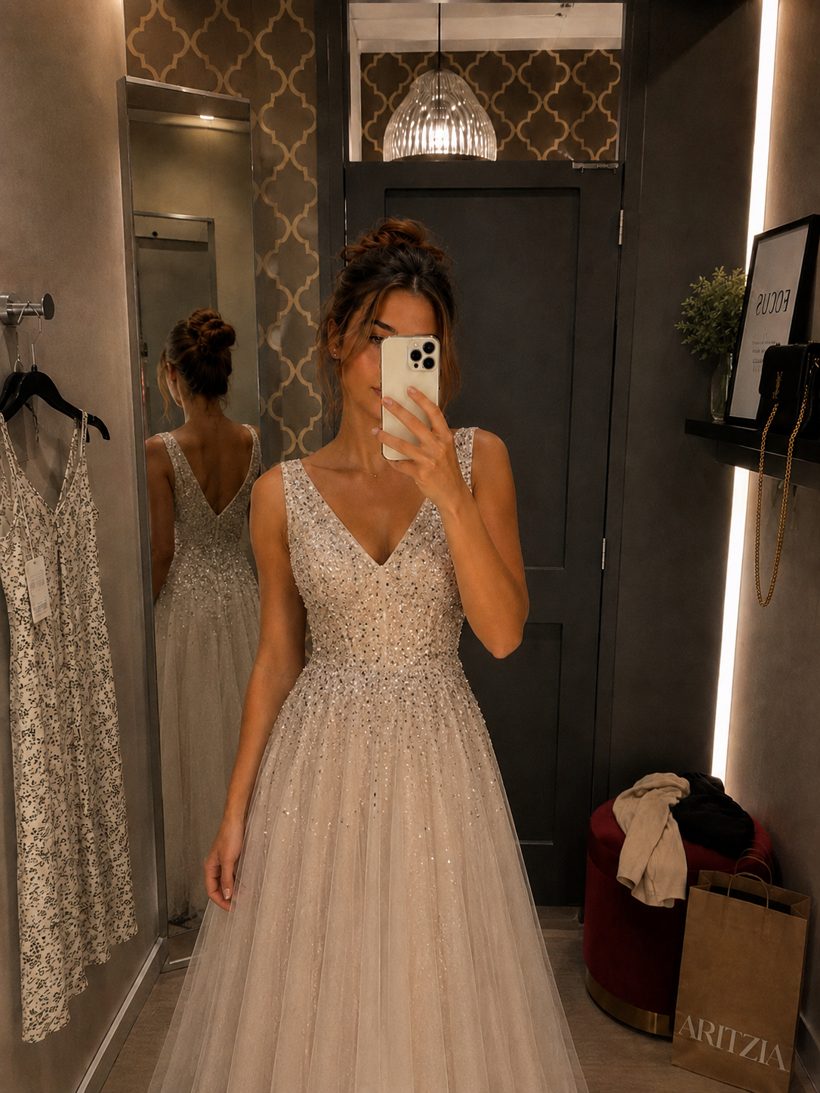
You upload a photo, pick an outfit, and 30 seconds later you're wearing it. It feels like magic — but under the hood it's three well-understood steps. Here's what actually happens, no PhD required.
Step 1: understanding your photo
First, the model reads your photo the way a tailor reads a client: it maps your pose (where your arms, shoulders, and hips are), your proportions, and the lighting of the scene. This becomes a structured "body map" — the canvas everything else is built on. This is why one clear, full-length photo produces better results than a dozen blurry ones.
Step 2: reconstructing the garment
Next, the outfit image is separated from its original context — the store mannequin, the model, the flat-lay table. The AI learns the garment itself: its cut, fabric texture, patterns, and how it drapes. A stiff denim jacket and a flowing silk dress behave completely differently, and the model knows the difference.
Step 3: the final render
Finally, the garment is re-rendered onto your body map: wrapped around your pose, scaled to your proportions, and lit to match your photo's lighting. The result isn't a sticker pasted over your picture — it's a new, photorealistic image of you wearing the piece, shadows and folds included.
What about privacy?
Your photo is yours. At Wiserobe it's encrypted in transit and at rest, never used to train models without your explicit consent, and deletable from your account at any time. The body map exists only to render your try-ons — it isn't shared or sold.
See it work on your own photo
Free try-ons to start. No card required.