Wiserobe
Try it free
AI virtual try-on

Now you can really try on clothes online

Grab any outfit from any store or a screenshot, and see it on your own body in about half a minute.

Download on theApp Store Get it onGoogle Play

Free to start · No card or sign-up required

Your everyday photo
Before
AI virtual try-on look created with Wiserobe
After
Ready in about 30 seconds
Powered by Google Gemini AI
Realistic results in ~30 seconds Works with any store's outfit No sign-up needed to start

Three steps to your new look

No fitting room, no returns. Just you, in the outfit, in seconds.

01

Add your photo

One clear, full-length photo is all it takes. Snap a new one or pick from your gallery.

02

Pick an outfit

Browse curated looks, or upload any outfit — a store listing, a screenshot, a friend's fit.

03

AI shows it on you

In about 30 seconds you see the outfit on your body — realistic fit, drape, and lighting.

Real people, real transformations

Every look below started as an ordinary photo.

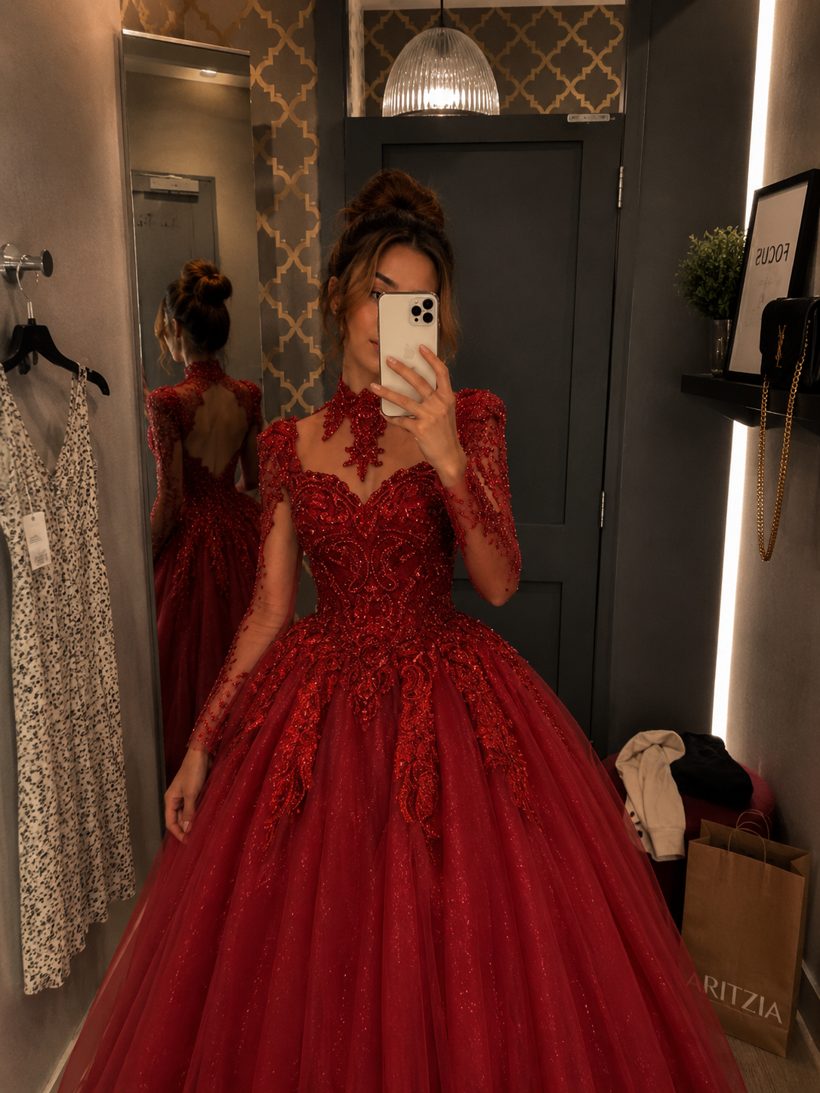
Your everyday photo
AI virtual try-on look created with Wiserobe
Wedding guest dress AI Try-On
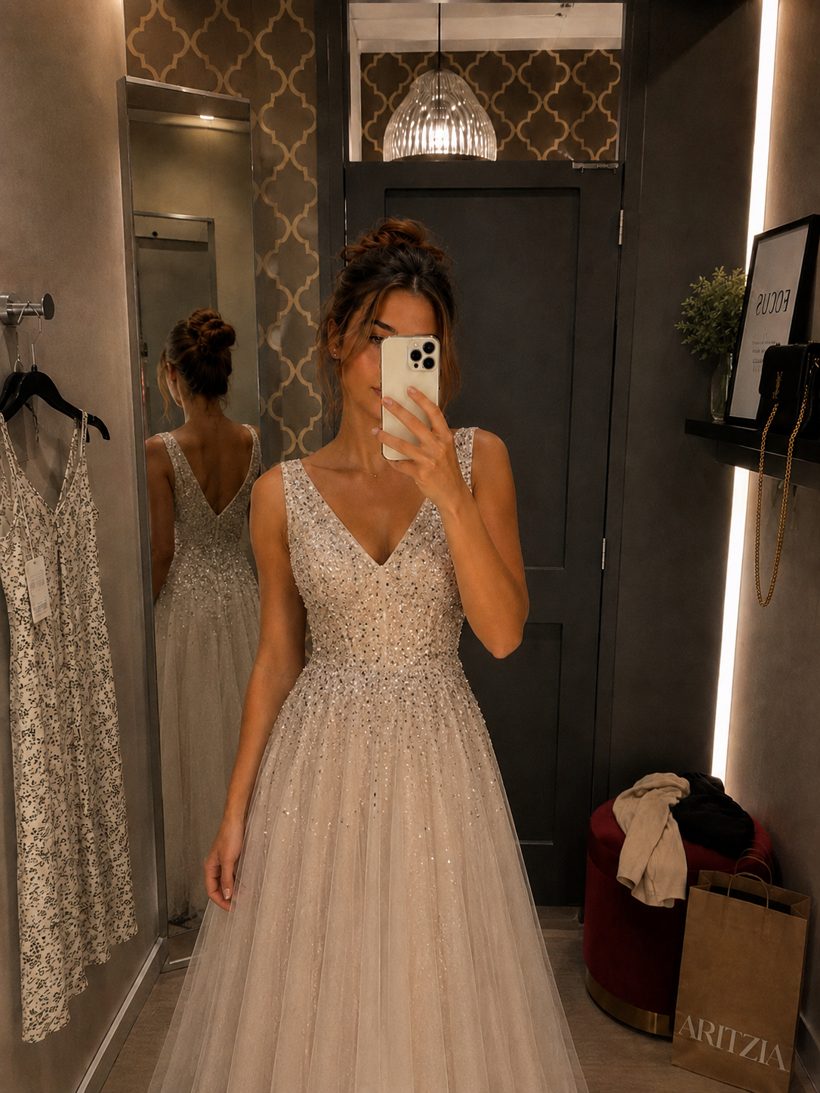
Your everyday photo
AI virtual try-on look created with Wiserobe
Party gown AI Try-On
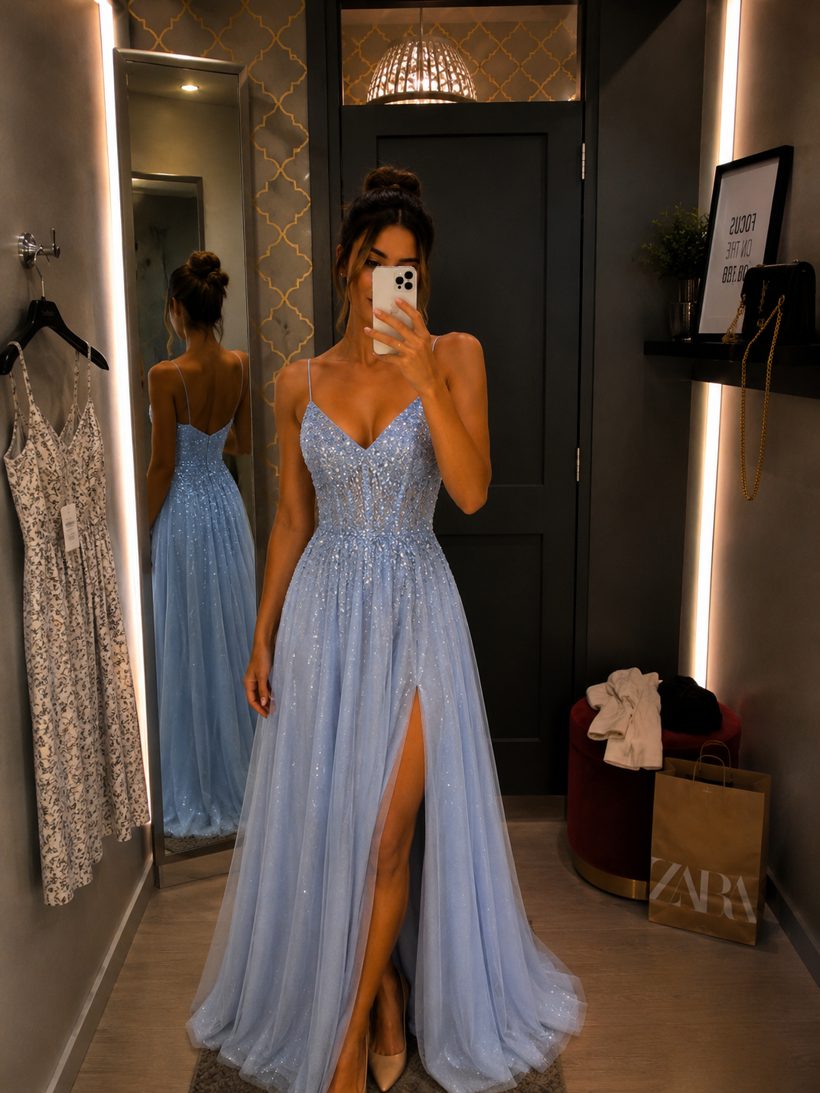
Your everyday photo
AI virtual try-on look created with Wiserobe
Prom night AI Try-On

Your wardrobe, unlimited

Everything you need to decide with confidence before you buy.

AI Try-On

See any outfit on your own photo with realistic fit and lighting.

AI Restyle

Remix a look — swap colors, styles, and vibes with one tap.

My Looks

Save every try-on, compare side by side, and share with friends.

Works with any outfit

Dresses, suits, sarees, streetwear — from any store or screenshot.

Free to start

Try your first looks on the house. Upgrade only when you're hooked.

Starter

Free

Perfect for your first try-ons

  • Free try-ons to start
  • All outfit categories
  • No card required
Download free

Credit packs

From $1.99/ 15 credits

Pay as you go, credits never expire

  • Packs of 15 to 220 credits
  • AI Restyle included
  • Bigger packs, better rates
Get credits
Most popular

Wiserobe Pro

$9.99/ month

For people who try everything on

  • 100 credits every month
  • HD downloads & sharing
  • Priority processing
  • New features first
Go Pro

The honest way to try on clothes online

Shopping from your couch is convenient until the box arrives and nothing fits like the photo promised. Wiserobe lets you try on clothes online the way it should work. Save an outfit from any store, or even a screenshot of a look you spotted, upload one photo of yourself, and watch the AI place that garment on your body in about 30 seconds.

What makes this useful is that it works with anything, not just a partner catalog. That dress from a boutique site, a friend's screenshot, a runway piece you loved, all of it becomes wearable on your own frame. See how the shoulders sit, how the length reads, and whether the whole thing actually suits you before a single item ships.

Trying clothes on first means you commit to pieces you'll genuinely reach for, not ones that gather dust or get returned. It's a calmer, more deliberate way to shop that saves money and hassle. Wiserobe is free to start with no card needed, and one credit is one try-on. Download it and try on clothes online before you check out.

Common questions

Can I try on clothes from any online store, like Zara, ASOS, or Amazon?+

Yes — Wiserobe works with any outfit image, not a locked-in catalog. Screenshot a product photo from Zara, ASOS, Amazon, Shein, or a tiny Instagram boutique, upload it alongside your photo, and the AI renders it on you in about 30 seconds. If the store shows the garment clearly (flat lay or on a model both work), you can try it on.

How do I see what clothes look like on me before ordering online?+

Add one photo of yourself to Wiserobe, then either pick from the built-in outfit library or upload a screenshot of the item you're eyeing. One credit gets you a realistic render of that exact garment on your body. Do it before checkout, not after delivery — it takes 30 seconds versus a week of shipping to find out a style isn't you.

Does virtual try-on actually reduce online shopping returns?+

It removes the most common return reason: 'it looked different on me than on the model.' Seeing the color against your skin tone and the cut on your proportions before you order filters out the obvious misses. Fit-related returns can still happen — Wiserobe previews style, not measurements — so pair it with the store's size chart for the fewest send-backs.

What kind of product photo works best for trying on clothes online?+

Any clear image of the garment works: a store's product page photo, a model shot, a flat-lay, or a screenshot from social media. Clearer photos where the full garment is visible give the sharpest renders. Wiserobe doesn't need the store's cooperation or a special link — if you can screenshot it on iOS or Android, you can try it on.

More try-on guides

Finally, a real way to try before you buy ›The AI clothes changer that keeps it looking real ›Menswear try-on, minus the trial room ›
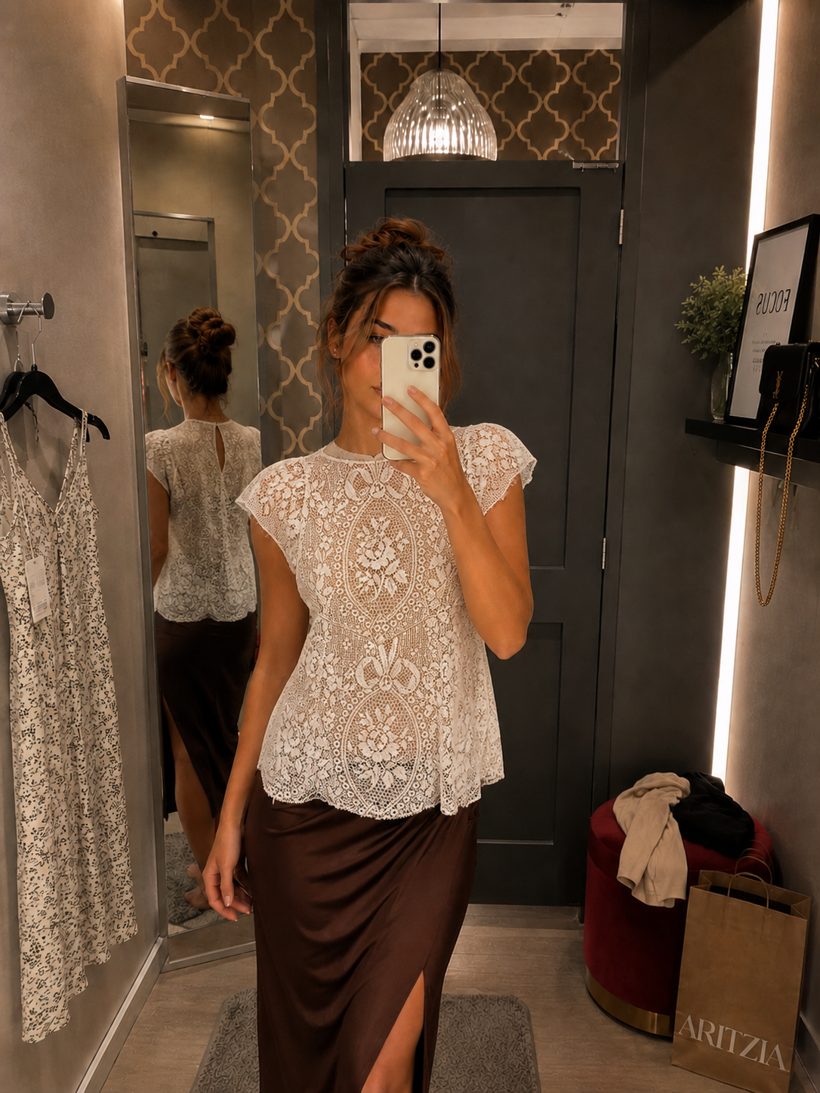
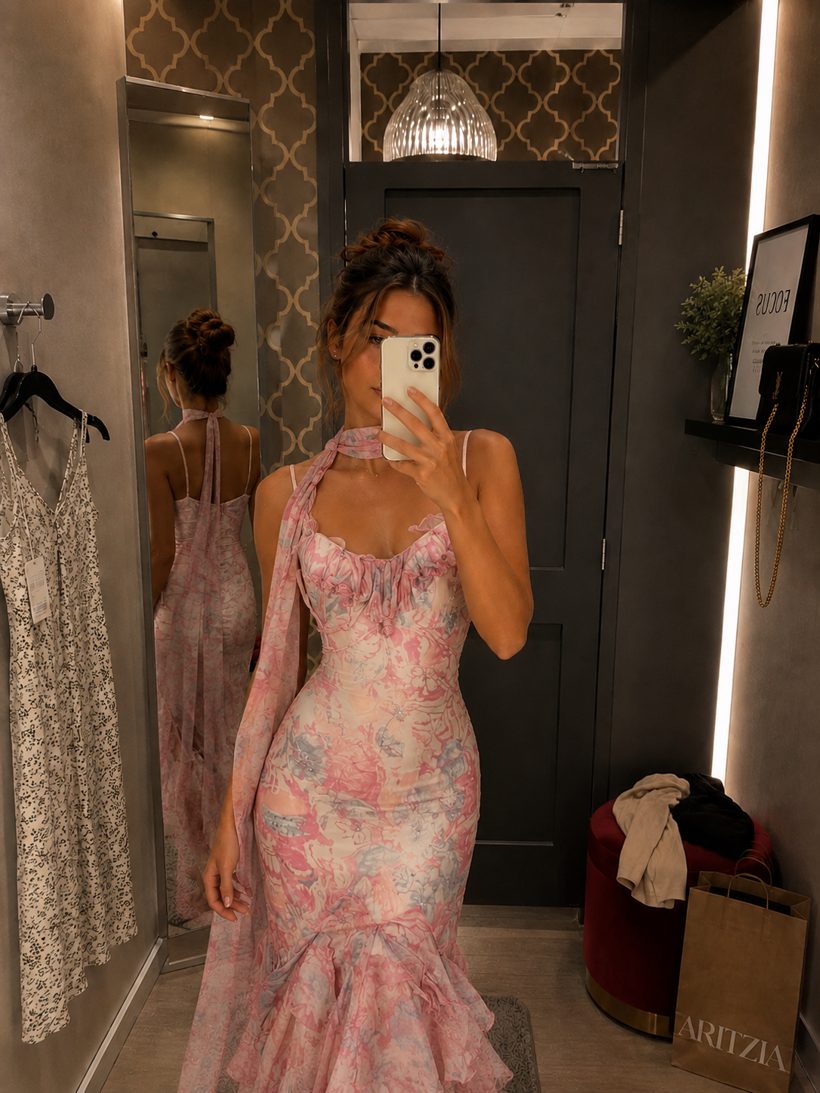
Questions, answered

How does AI virtual try-on work?+

You upload one photo of yourself and pick an outfit image. Wiserobe's AI maps your pose and proportions, then renders the garment on your body with realistic fit, drape, and lighting — usually in about 30 seconds.

Is Wiserobe free to use?+

Yes — you get free try-ons when you download the app, no card required. After that, buy credit packs from $1.99, or subscribe to Wiserobe Pro at $9.99/month for 100 credits every month.

Can I try on clothes from any store?+

Yes. Wiserobe works with any outfit image — product photos from online stores, screenshots from social media, or looks from our curated collections. If you can see it, you can try it on.

How accurate are the results?+

Very close to real life for style, color, and overall look. The AI preserves your body shape and the garment's cut and texture. For exact sizing, we still recommend checking the store's size chart.

Is my photo private?+

Yes. Your photos are encrypted, never used to train models without consent, and never shared. You can delete them from your account at any time.

What kind of photo works best?+

A well-lit, full-length photo facing the camera, with a simple background and fitted clothing. One good photo is all you need to get started.

From the blog

All posts
AI virtual try-on look created with Wiserobe
Style guides

10 outfits to try on before your next wedding invite

Jun 28, 2026 · 6 min read
AI virtual try-on look created with Wiserobe
Behind the AI

How AI virtual try-on actually works, explained simply

Jun 14, 2026 · 8 min read
AI virtual try-on look created with Wiserobe
Wardrobe

Build a capsule wardrobe — try it all on first

May 30, 2026 · 5 min read

Try any outfit on you — free

Download Wiserobe and see your first looks in the next two minutes.

Download on theApp Store Get it onGoogle Play

Free to start · No card required · Cancel anytime

Free try-ons to start Get the app